Securing Budget-Friendly RDP With Root Permissions
Your top-class, remote server that is customized to your requirements is just a phone call away. A couple of clicks later on, you will have your very own dedicated server.
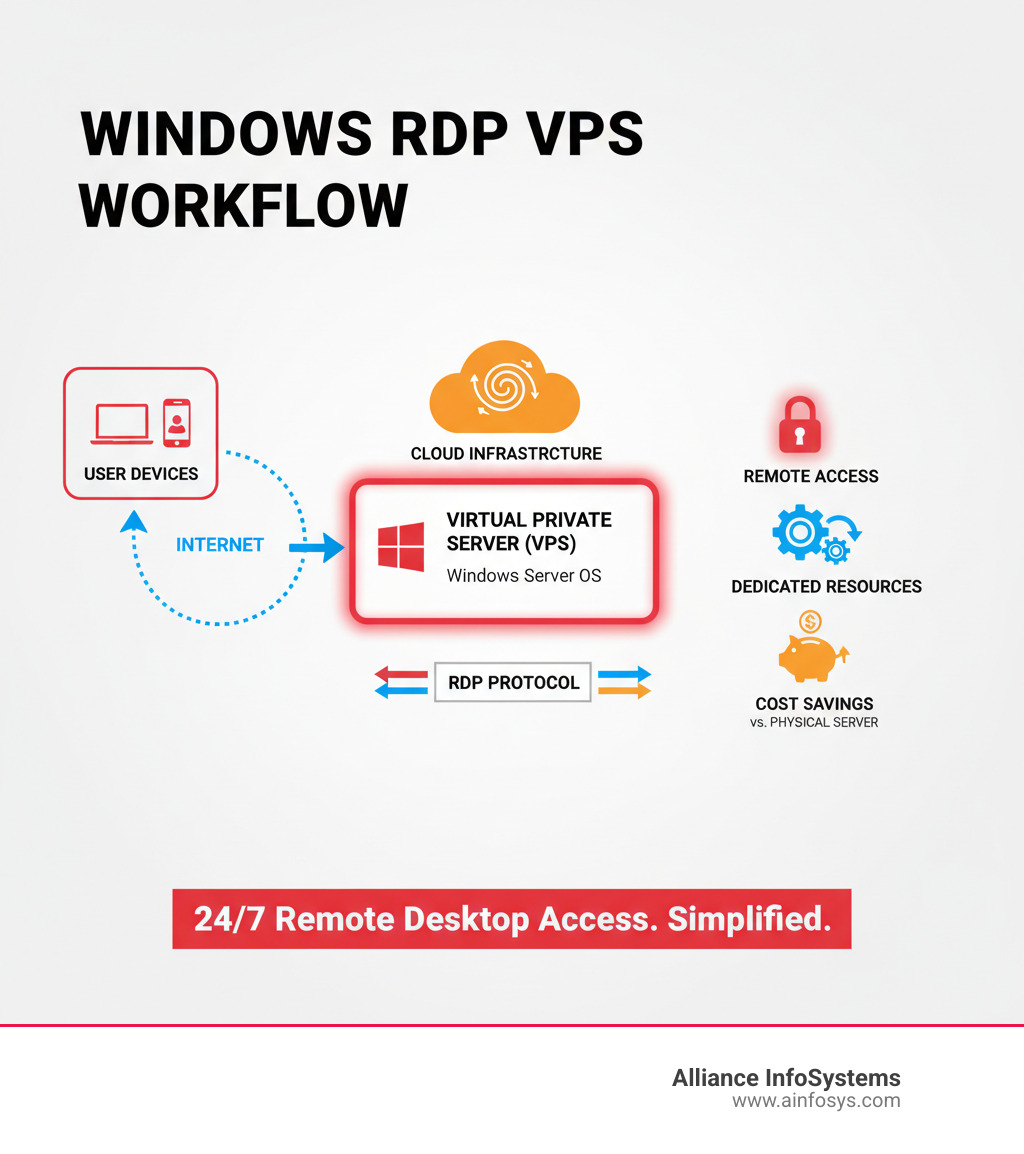
RDP, or Remote Desktop Procedure, was developed by Microsoft. It enables protected interaction in between two computer systems, allowing users to from another location manage another system with complete graphics support. Basically, it lets you gain access to and control another computer from afar. The RDP service is developed into Windows systems and operates on TCP/UDP port 3389.
Our RDP services are commonly utilized for Uploading/Downloading, Running Bots, Traffic Surfing, Streaming, and Encoding. If you travel frequently, use RDP as a cloud-based second computer to store and access your files from anywhere.
RDP supplies enhanced security. While a VPN hides your IP/location, with a remote desktop, an assaulter can not even access your local system.
Organizations can minimize software application costs by setting up applications on a single remote server accessed by all users. This minimizes licensing costs and enhances security by centralizing app gain access to. RDP is a vital and powerful tool today. Take pleasure in budget-friendly RDP and fantastic service with RDPWindows. Stream 24/7 to YouTube, Facebook, Twitch, Kick, and more.
Ways to Expand Windows Server 2026 Systems
Start generating income utilizing RDPWindows' streaming service. Bots are permitted. Run bots 24/7 without limitations. Install Python to run any bot inside the RDP. View botting is completely permitted. Utilize your RDP to send views to websites, gain YouTube watch time, or Spotify watch time. Run pen screening tools like OpenBullet, SentryMBA, or SilverBullet to get account hits.
Convert videos, images, and audio using software like HandBrake and more. Edit videos, images, and audio utilizing different codecs.
Power-up your business with our series of Site we have the tools ready-and-waiting to assist your company Because we understand that even the finest innovation is only as great as the individuals behind it. That's why we provide professional, 24/7 ticket support, plus a lot more, offers dependable and inexpensive Private admin RDP plans, pre-install windows and the most recent version so you have the most current features offered for your website.
scaling your VPS planShort Article NameBuy Inexpensive RDP - Remote Desktop ServerDescriptionBuy Inexpensive RDP, Windows Remote Desktop Servers Online with highest specs and admin gain access to, you can also get Ubuntu Xrdp also from here. Author Ayyaz ButtPublisher Call Zain HostingPublisher Logo
Ways to Scale High-Demand Systems
It enables users to link to a computer system or a server from a remote area, providing flexibility and benefit. The expense associated with remote desktop solutions can be a significant barrier for numerous.
It enables individuals or groups to access files, applications, and resources remotely, eliminating the need for physical existence. Remote desktop solutions have transformed the method we work and collaborate. They supply many advantages, including: Versatility: With remote desktop access, users can work from anywhere, at any time, as long as they have an internet connection.
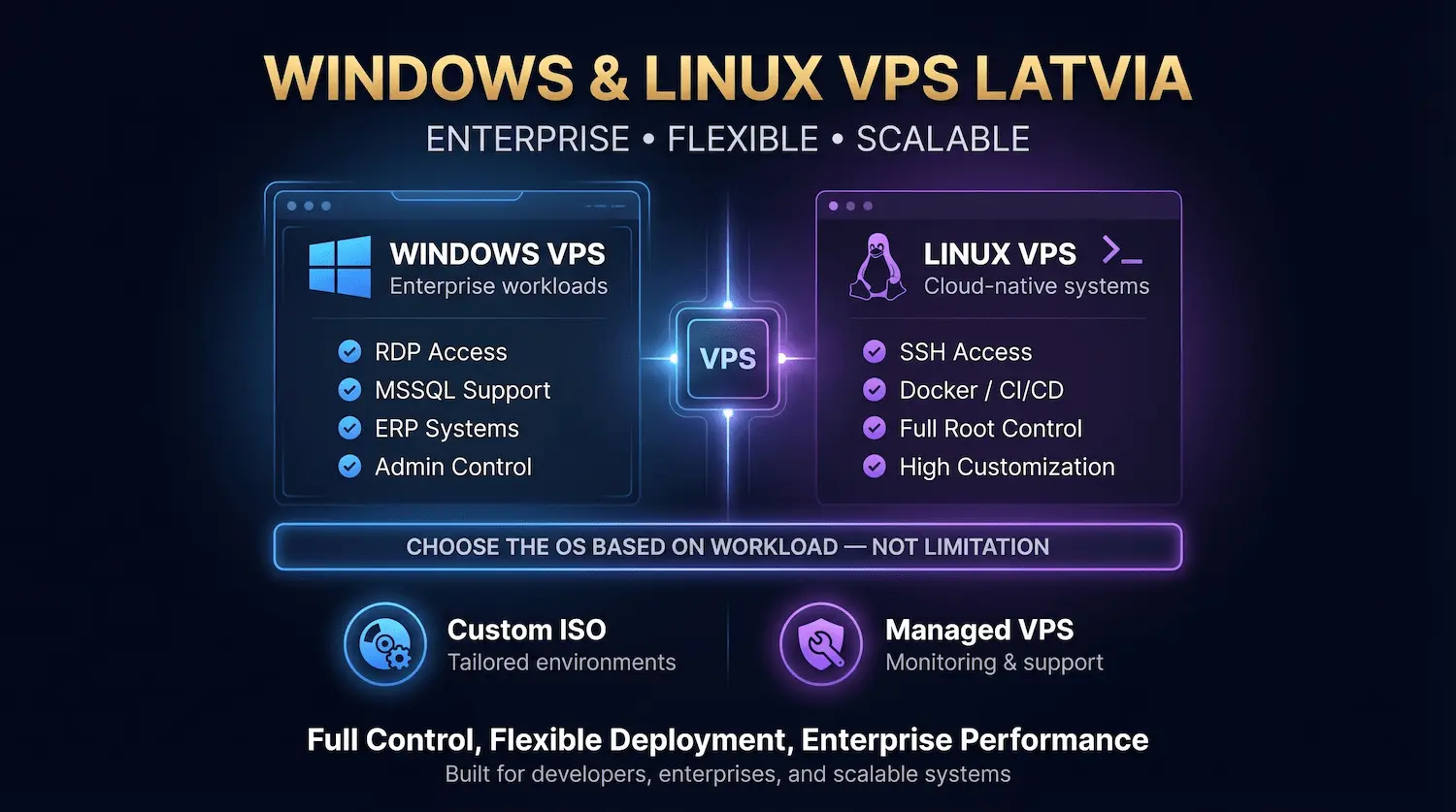
Boosted partnership: Remote desktop gain access to assists in seamless cooperation amongst team members, regardless of their physical area. It is a cost-efficient option that offers top quality remote desktop access at a cost effective rate.
Comparing Affordable RDP and Premium Options
Reliability: It guarantees a stable and continuous connection, permitting users to work smoothly without any interruptions. High performance: With powerful servers and enhanced network facilities, It provides remarkable speed and efficiency for smooth remote access. Security: It uses robust file encryption protocols to make sure the privacy and integrity of data during remote sessions.
scaling your VPS planFollow these steps to get started: 1. Visit the Cheap RDP site and choose a prices plan that suits your needs. 2. Produce an account and supply the required information. 3. Select your preferred operating system and server area. 4. Total the payment process. 5. As soon as payment is verified, you will get login credentials and guidelines on how to access your remote desktop.
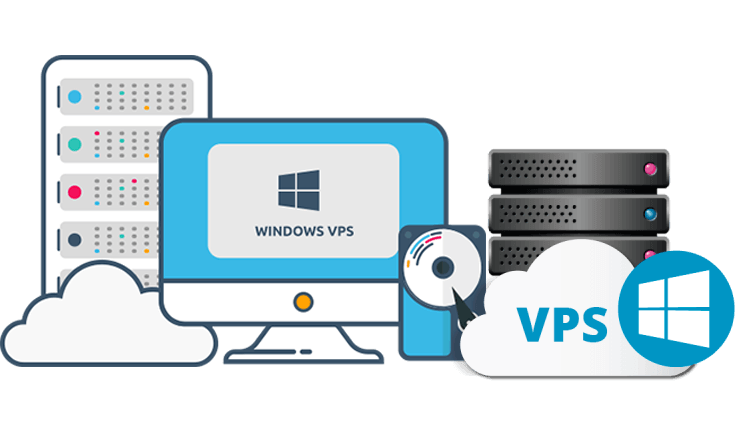
Easy accessibility: Gain access to your remote desktop from any device, consisting of desktops, laptops, tablets, or smartphones. Scalability: It allows you to quickly upgrade or downgrade your strategy as per your requirements, making sure flexibility and cost-efficiency. 24/7 technical support: Take advantage of round-the-clock technical help to deal with any concerns or concerns you might experience.